Facebook Ads Management: A Beginner's Guid
Facebook Ads Management: A Beginner’s Guide
If you want to promote your business or product online, Facebook Ads are a great option. It is affordable and gives you a chance to reach exactly those people who may be interested in your product. If you are new, don’t worry — this guide will explain everything to you in a very simple way.
🧠 What are Facebook Ads?
Facebook Ads are paid posts that you can run on Facebook or Instagram. Their main purpose is to promote your business or product.

- Location (where do they live)
- Age (how old are they)
- Gender (boy or girl)
- Interests (like gaming, shopping, travel, etc.)
- Behavior (what do they buy, what do they watch)
🛠️ Step 1: Create a Business Manager Account
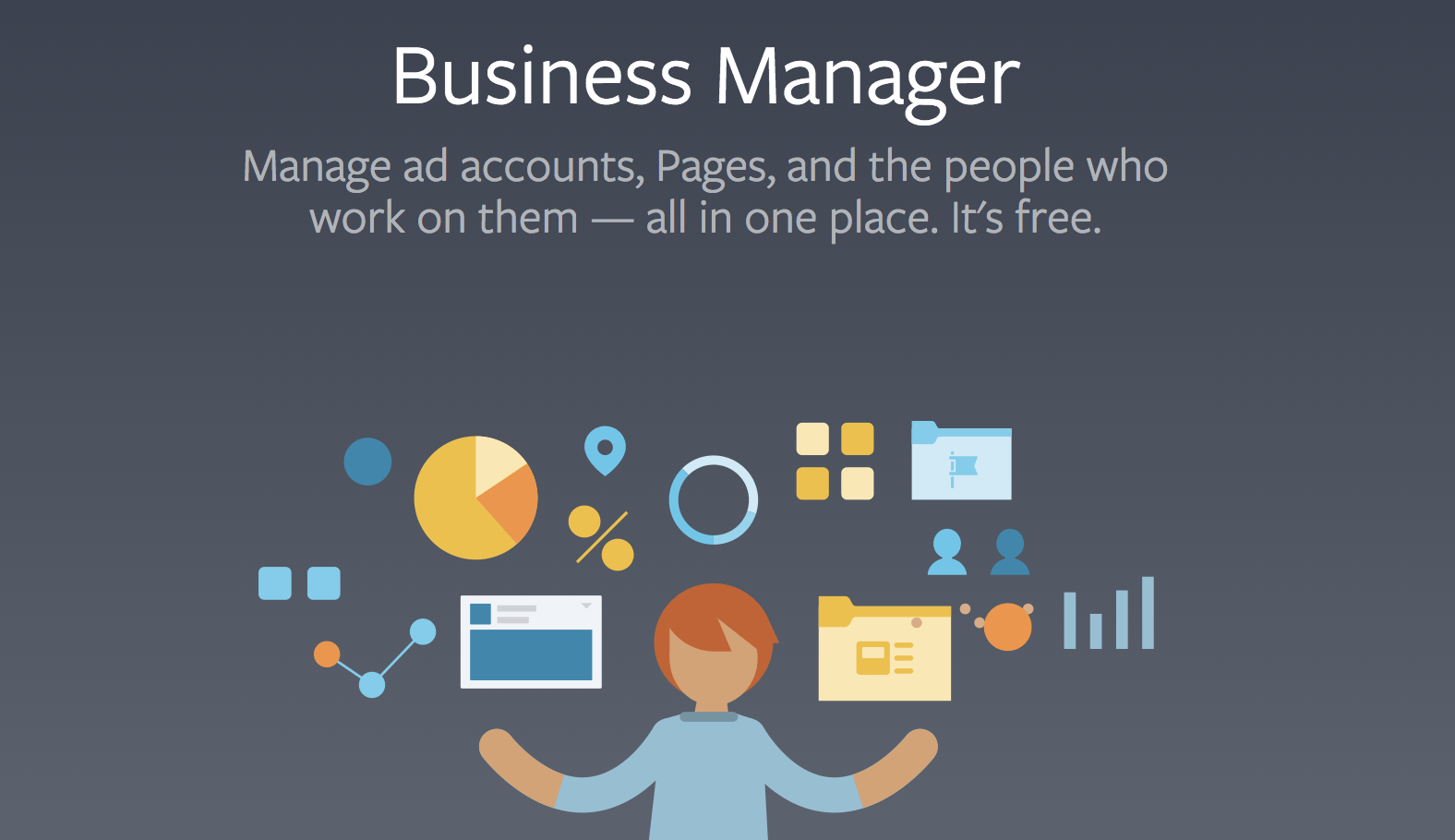
- First of all you have to create a Business Manager account.
- Go to business.facebook.com
- Click Create Account
- Enter your business name and email
- This will be your main dashboard from where you will manage your ads
- 🎯 Step 2: Choose the goal of the campaignWhen you create a new ad, Facebook will ask what your goal is:
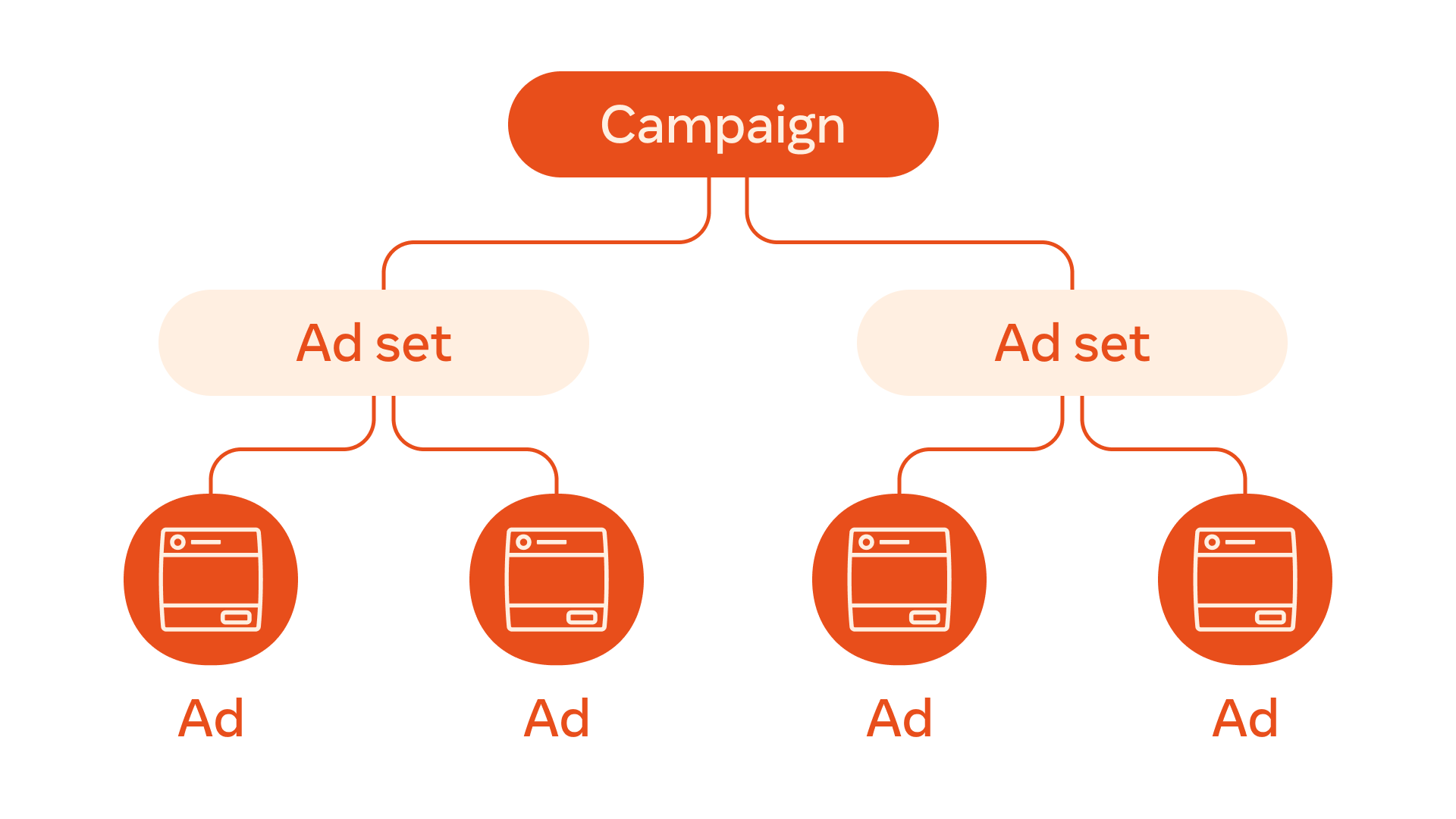
- Awareness – Tell people about your brand
- Traffic – Bring people to your website or page
- Engagement – Get likes, comments, shares
- Leads – Get contact information from people (email, phone)
- Sales – Sell products
- Select the right option according to your business.
👥 Step 3: Choose your audience
The right audience means reaching the ad to the right people. You can choose:- Age, Gender, Location
- Interests – like people who are interested in fashion or fitness
- Behavior – like people who shop online
- Custom Audience – like your website visitors or email list
- Lookalike Audience – people who are your existing customers
🧾 Step 4: Set Budget and Time
You can decide how much money to spend daily or total in the ad campaign:
- Daily Budget – how much to spend every day
- Lifetime Budget – how much budget is there for the total campaign
You can also set when to run the ad:
- Every day
- Or on specific dates
- Only weekends or evenings (if you feel like it is more expensive) are active)
- Start with ₹300-500 per day in the beginning and increase it gradually.
🎨 Step 5: Design your Ad
This is the most creative part! You can make ads:- Single image ad
- Video ad
- Carousel (multiple photos or videos)
- Slideshow
Make sure that:
- The photo or video is attractive
- The text is short and clear
- There should be a CTA (Call to Action) – like "Buy Now", "Learn More", "Sign Up"
Tip: Make more than one version and see which one performs best.

📊 Step 6: Check the Result and Improve
When the ad is live, you can go to Ads Manager and see its result:- Reach – How many people saw it
- Clicks – How many people clicked
- CPC – Cost of one click
- Conversions – How many people took action (purchase, signup, etc.)
If the ad is not performing well, then:
- Change targeting
- Update image/video
- Adjust budget
🚀 Bonus Tips
- Create mobile-friendly ads – most people watch from phone
- Use Facebook Pixel – you will get data of actions taken on the website
- Run retargeting ads – target people who have visited before do
- Testing always – try, learn, and improve
🏁 Conclusion
Starting Facebook Ads is not difficult, you just need a little practice. Start with a small amount, test, and slowly scale. With the right audience, the right content, and a smart strategy, you can get good results.
If you need help or are confused about creating your first ad, then comment or send a message – I am here to help! 💬
If you want, I can also make a PDF version of this blog, or if you need ad creatives/designs, I can make that too. Tell me!


Comments
Post a Comment